UPDATES

Recent updates

A simple place to see what changed, when it was released, and screenshot proof when there is something worth showing.

Updates results

May 11

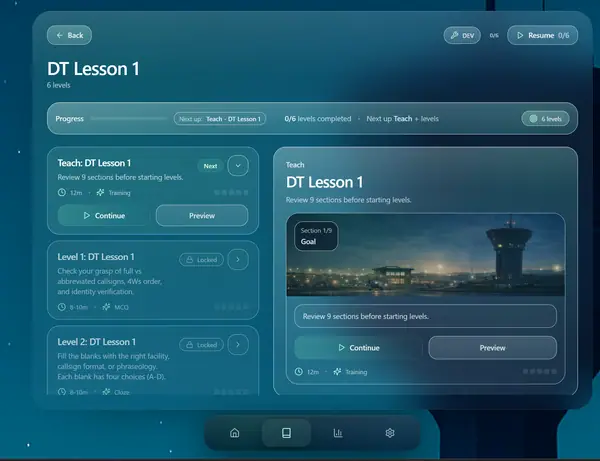
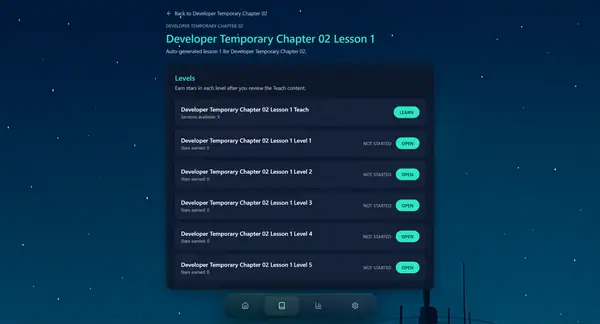
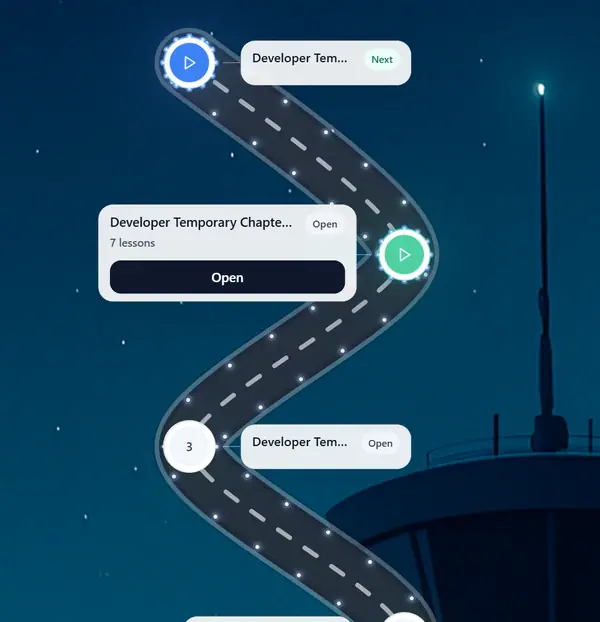
Updated Lesson Selection and Started Chapter 6

Updated the lesson selection UI to make it cleaner, smoother, and easier to navigate. I also implemented Chapter 5 into the app and began working on Chapter 6, continuing to expand Squawk's training content and overall lesson flow.

AppContent
Updated Squawk lesson and level selection screen

May 5

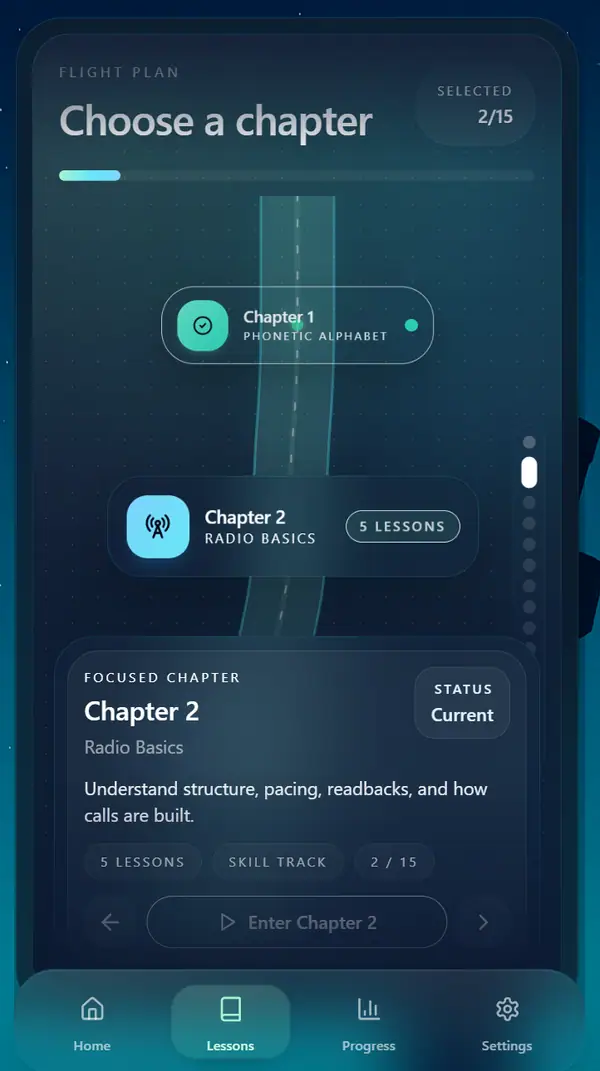
Implemented Chapter 4 and Updated Chapter Selection

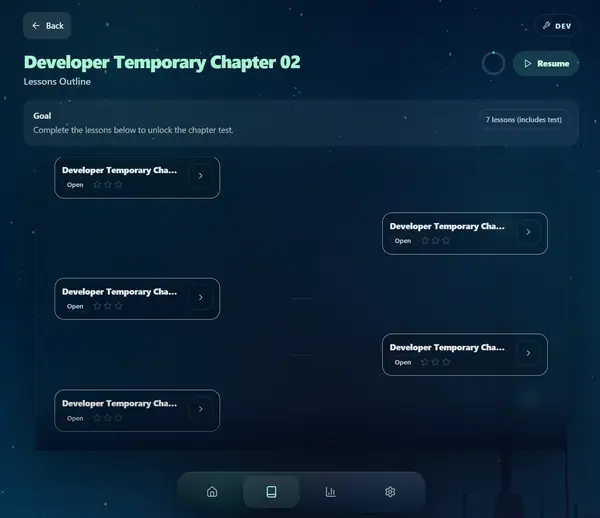
Implemented Chapter 4 into the app and began working on Chapter 5. I also updated the chapter selection UI to make the screen feel more polished, modern, and easier to navigate as users move through Squawk's training chapters.

AppContent
Updated Squawk chapter selection screen

May 2

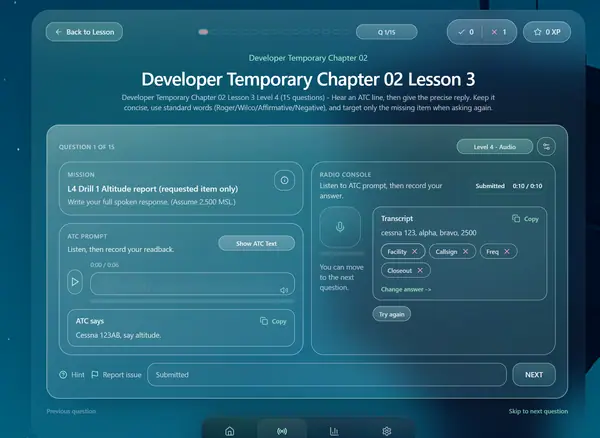
Completed Chapter 4 Audio and Grading Data

Finished creating the audio for Chapter 4 and prepared the proper grading algorithm data needed for implementation. This helped move Chapter 4 closer to being fully playable inside the app, with both realistic audio content and structured grading logic ready to be connected to the levels.

AudioContentInfrastructure
Squawk Chapter 4 audio level prototype

March 26

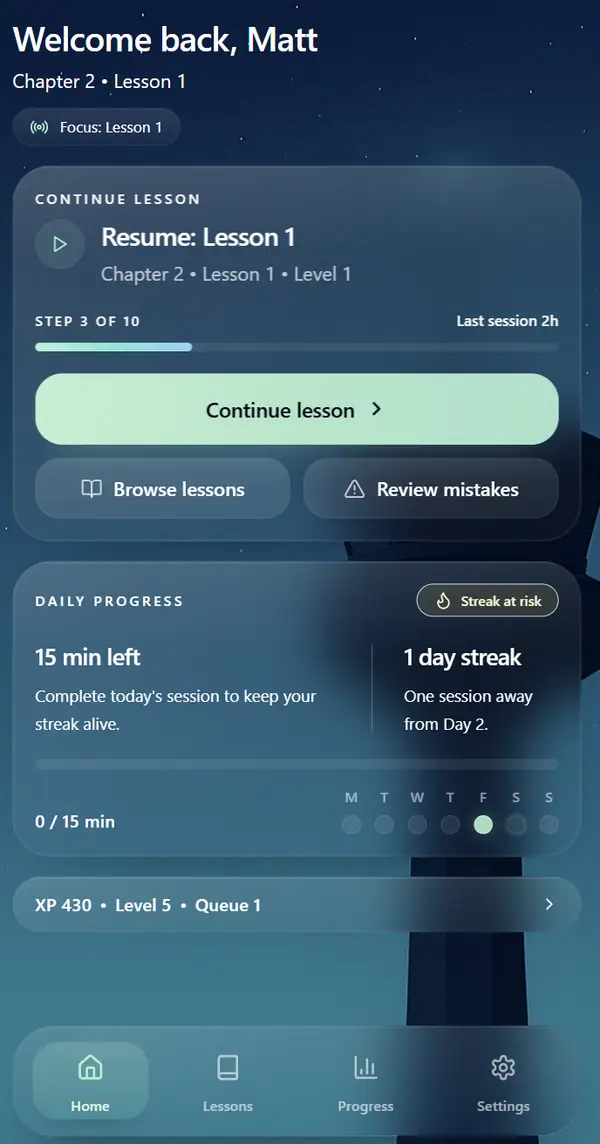
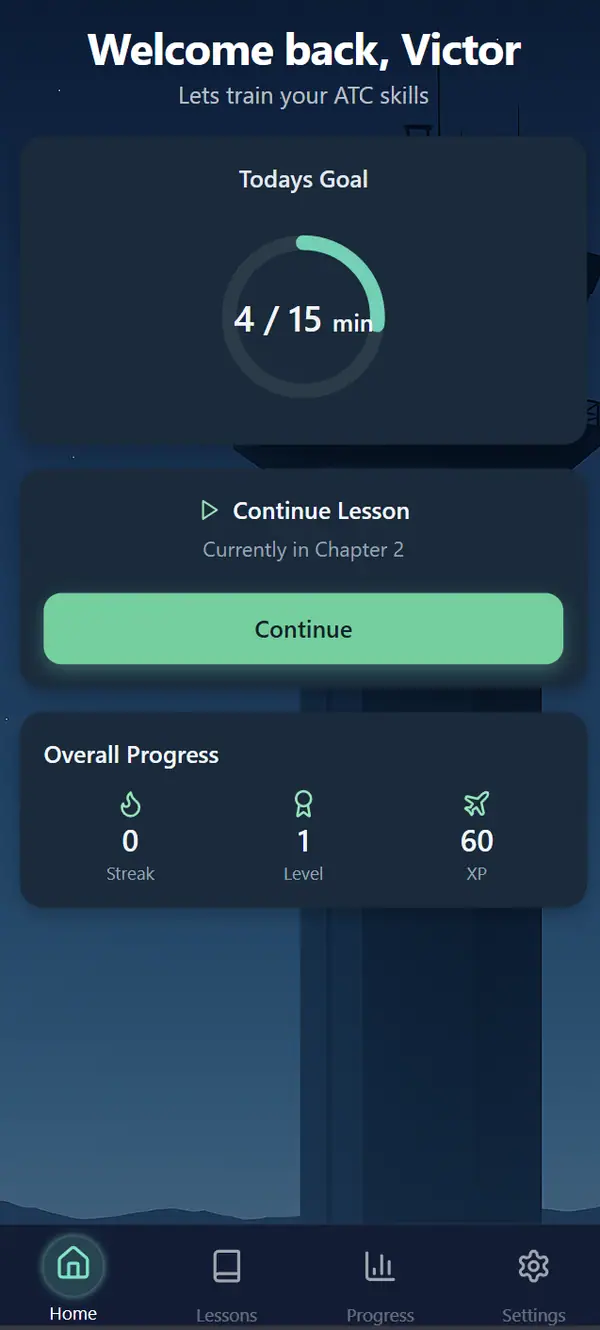
Started Chapter 4 and Improved App UX

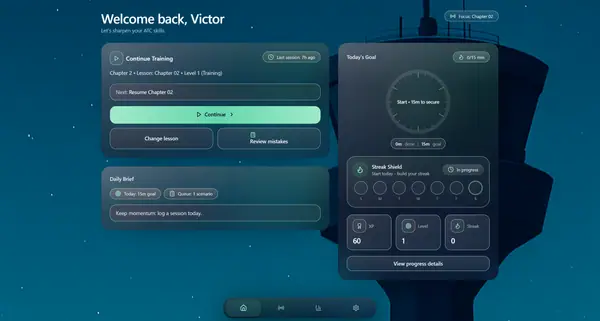
Began development on Chapter 4 and started improving the overall user experience across the app. I also worked on creating a better settings menu, refining the home screen flow, and starting the implementation of streaks to make daily training feel more motivating and connected.

App
Updated Squawk home screen

March 19

Improved Bug Fixes and Grading Logic

Implemented bug fixes across the app and continued improving the grading algorithm. These updates helped make Squawk's response checking more accurate, stable, and realistic when evaluating user answers and transcripts.

AppInfrastructure

March 14

Completed Chapter 1-3 Implementation

Finished implementing the audio and lesson data for Chapters 1 through 3 inside the app. After getting the content into place, I started reviewing the chapters for bugs, issues, and small fixes to make sure the lessons worked properly and gave users a smoother learning experience.

AppAudioContent

March 9

Added Chapter Audio Into the App

Finished creating the audio for Chapters 1 through 3 and started implementing both the lesson data and audio into the app. I also worked on improving the user experience when moving through lesson sections, making the flow feel smoother, clearer, and easier to follow.

AppAudioContent

March 4

Improved Audio Accuracy

Worked on creating better and more accurate audio for Squawk, with a stronger focus on making it sound more realistic and more aligned with FAA standards. The goal of these updates was to improve both the quality of the audio and the accuracy of the communication being presented inside the app.

AudioContent

February 28

Improved Transcript Grading System

Made major improvements to the way Squawk grades user transcripts inside the levels. These updates made audio grading feel much more human, realistic, and accurate, allowing the app to evaluate user responses in a way that better reflects how real communication should be understood.

AppInfrastructure

February 21

Improved Lesson and Level Selectors

Finished creating major improvements to the lesson and level selection screens, making them more polished, easier to navigate, and better connected to the rest of the app. These updates helped strengthen the overall lesson flow and made Squawk's training structure feel clearer and more complete.

App
Updated Squawk lesson and level selector screen

February 18

Upgraded Home Screen and Level System

Made major improvements to the home screen and finished creating all teaching and level data for Chapters 1 through 3. I also started building the core level framework so levels would function better, while improving the level UI and refining both the lesson and level selection screens to create a cleaner and more polished experience.

AppContent
Upgraded Squawk home screen

February 12

Added Progress Saving System

Worked on the backend system that saves a user's place while moving through levels, so if they leave in the middle of a section, they can return later and continue from where they stopped. I also started improving the UI for the home screen and chapter selection screen to make the app feel smoother and more polished.

AppInfrastructure

February 7

Improved Learning Flow

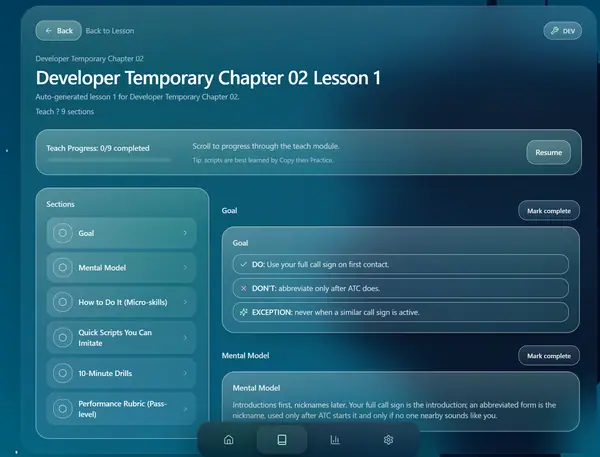
Updated the teach screen section and continued improving other parts of the app, including the level selection flow. These changes helped create a smoother, more connected experience throughout Squawk, making navigation and lesson progression feel more clear and organized.

App
Updated Squawk teach screen

February 5

Built Teaching Section Mockup

Created a mock UI for Squawk's teaching section and began building out the content behind it. I also completed the teaching data for Chapters 1 and 2 and started working on the lesson levels inside each chapter, helping turn the app's learning system into a more complete structure.

AppContent
Squawk teaching section UI mockup

February 1

Built Lesson Selection Prototype

Created a prototype for Squawk's lesson selection screen and began building the lesson data needed to support it. I also planned the lessons in greater detail, defining what each lesson would include and how the content would be structured inside the app.

AppContent
Squawk lesson selection prototype screen

January 27

Added User Profiles and Authentication

Created a profile system that allows users to log in on any device and keep their information saved across sessions. Also built a working email sign-up and login system with protected passwords, marking an important step toward making Squawk a real user-based app.

AppInfrastructure

January 25

Expanded Core Screens

Worked on both the mockup and the working prototype for Squawk's chapter selection screen, continuing to shape how users would move through lessons and chapters. I also implemented more features, made progress on the settings screen, and began working toward adding login and sign-up functionality to the app.

AppInfrastructure
Squawk chapter selection prototype screen

January 22

Started App Development

Began working on the code for Squawk and started shaping the app's first real structure. Created an early home page mockup that outlined the main layout and showed where core sections like lessons, progress, and settings would live. This version also introduced the first bottom navigation system, helping define how users would move through the app.

App
Early Squawk home screen prototype with bottom navigation

January 20

Created Plan

Started building the foundation for Squawk by working on early mockups, defining the end goal, and planning out how the app should function. I also began creating the full study structure, including the guide, lesson flow, and overall outline for the app.

Infrastructure

January 9

Began Production

Started planning, brainstorming, and shaping the initial idea for Squawk. This marked the beginning of the project, where the core concept, purpose, and overall direction of the app first started coming together.

App
We use required storage to run the site. Optional analytics help us understand which pages and signups are working. Privacy Policy.